Gain Control of Your Supply Chain with Command Center
Portcast’s Command Center gives your team a live view of shipments and the risks that could disrupt them, helping you focus on what matters and act before issues arise or escalate.
Try it now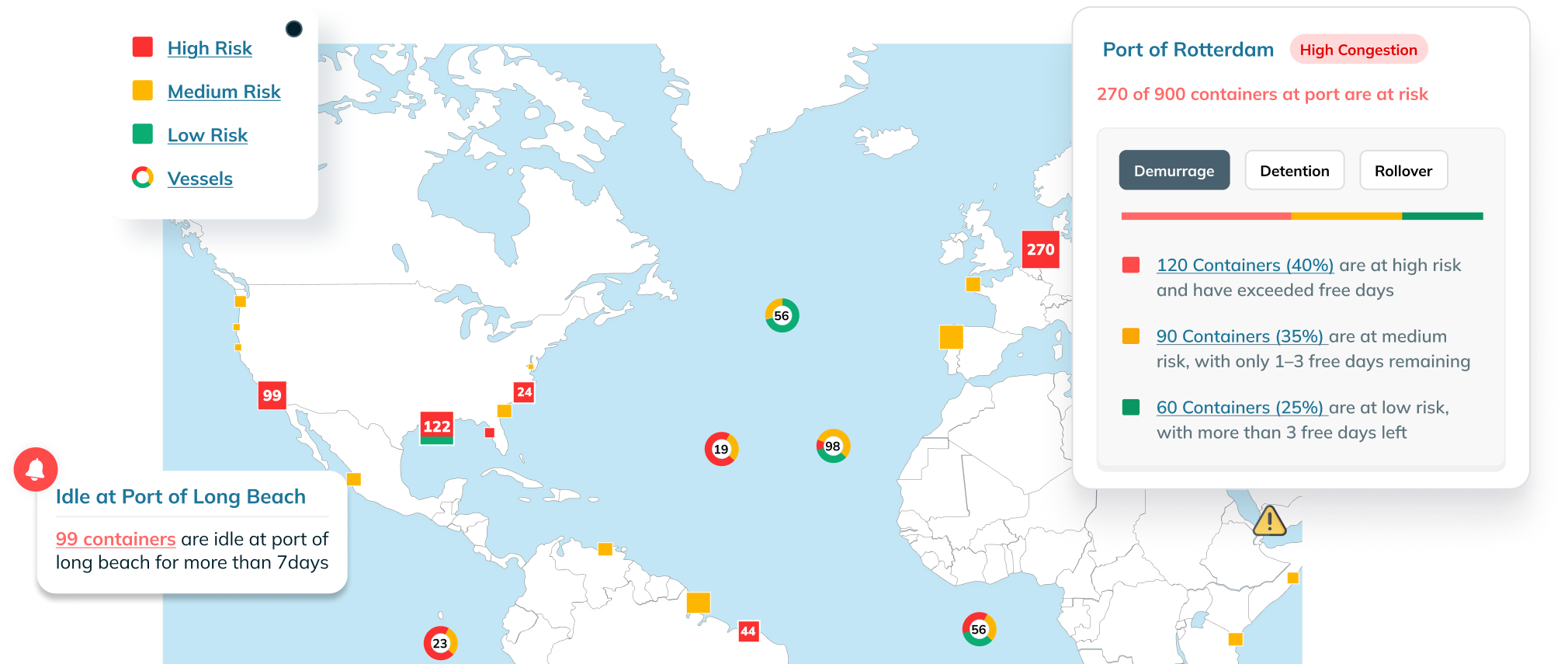
Benefits of Portcast’s Command Center Solution

Focus on What Matters

Prevent Costly Delays

Built Around Your Workflow
Key Features of Portcast’s Command Center Solution
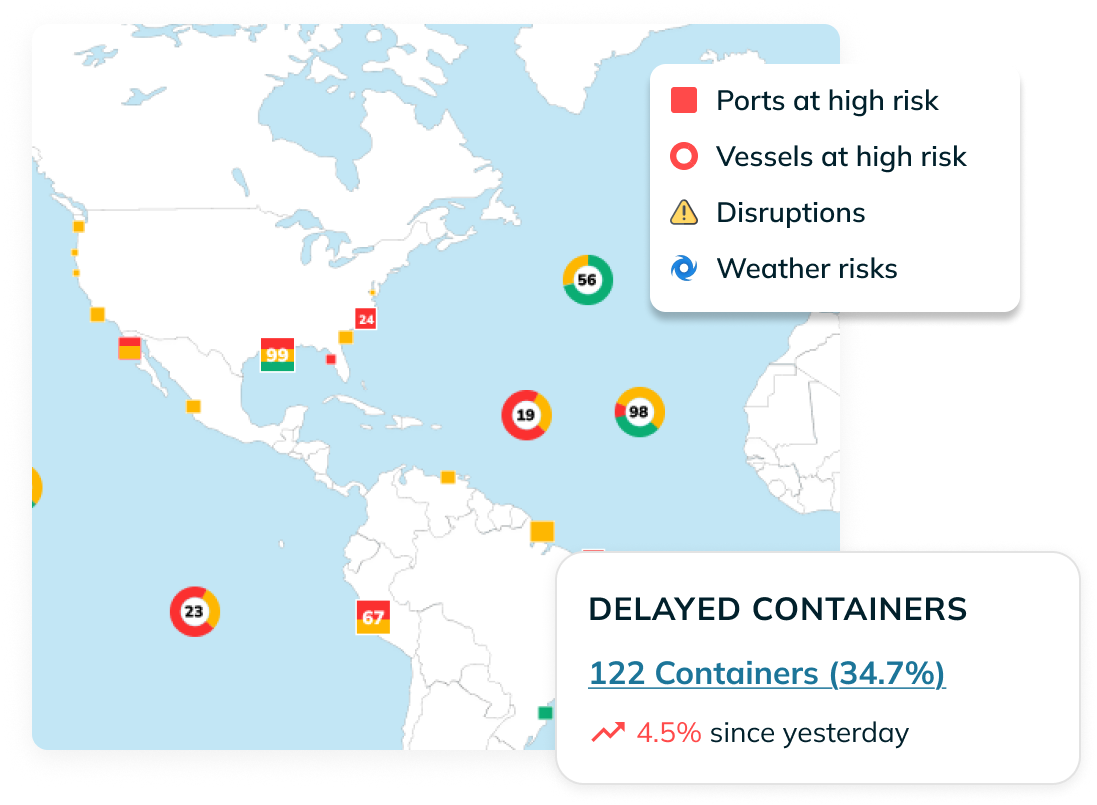
Live, Exception-First Dashboard

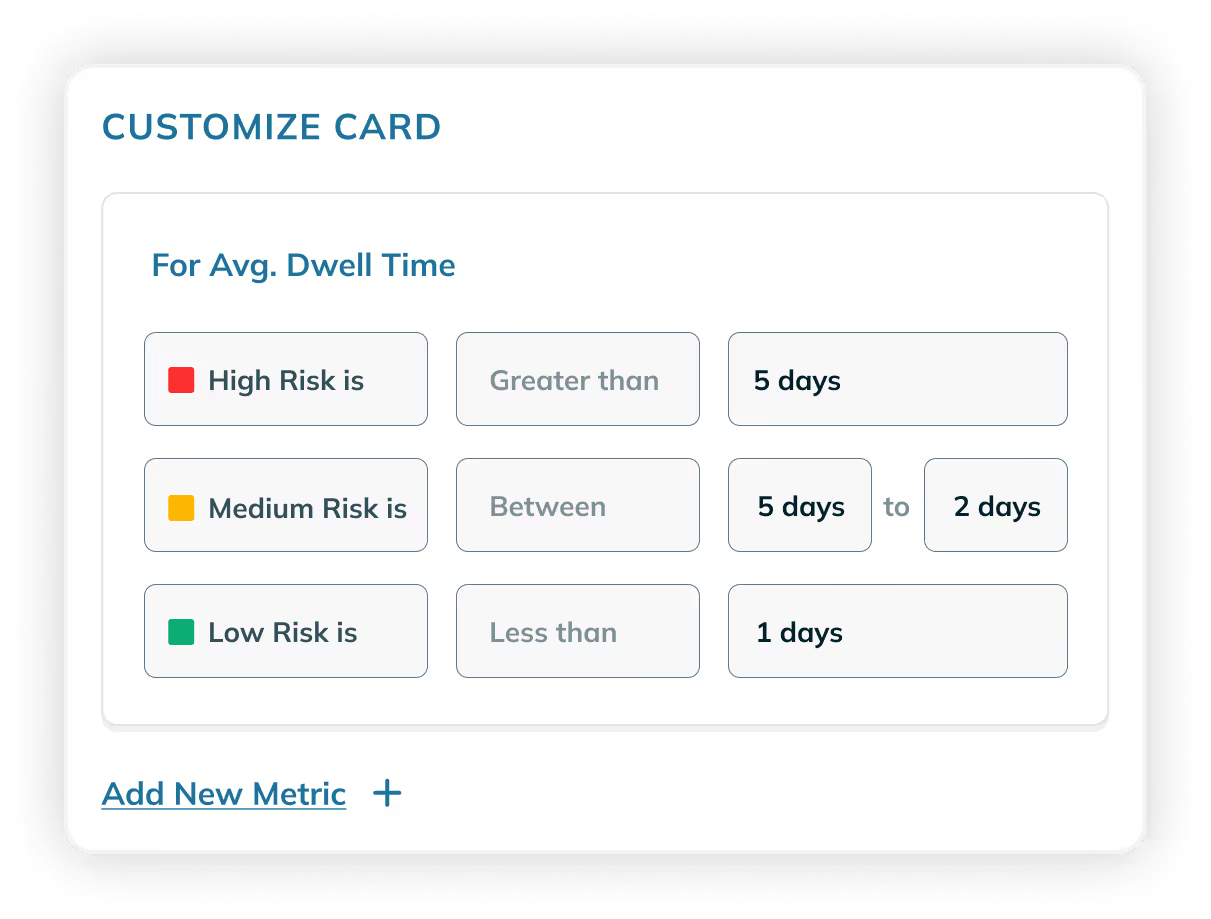
Customizable Risk Definition
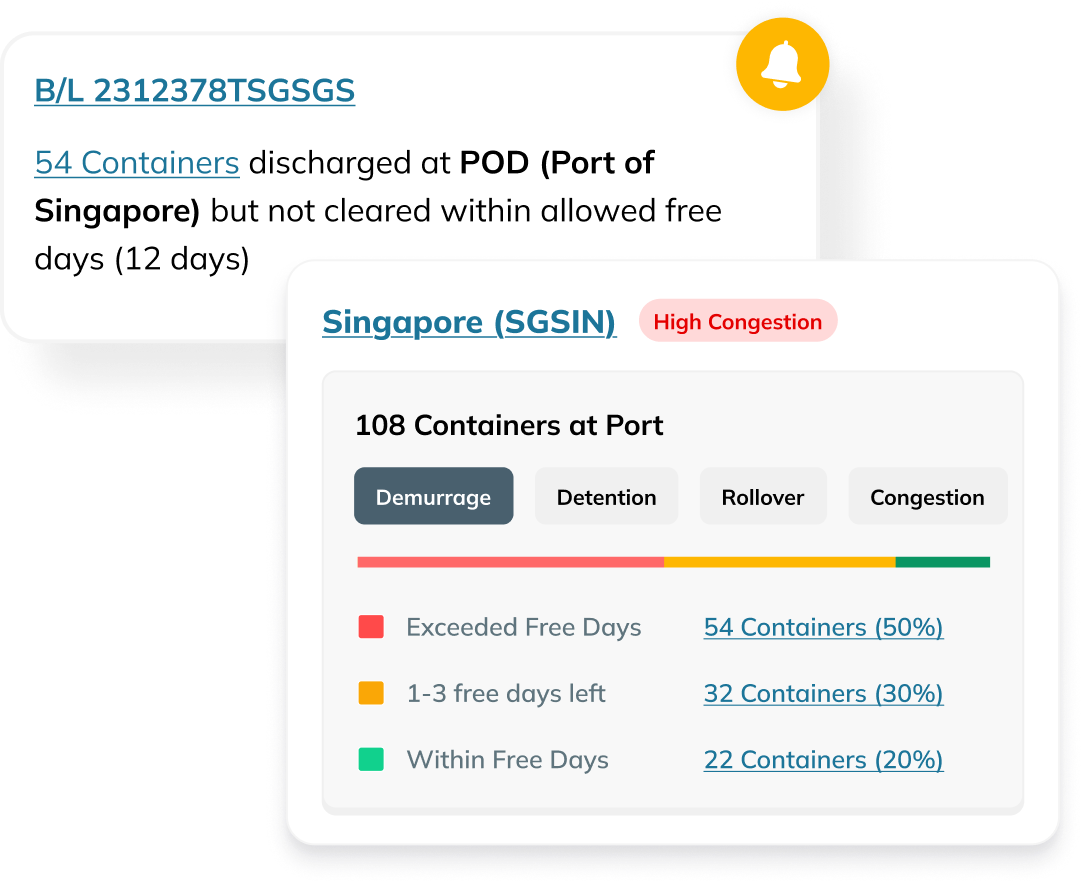
Alerts and Actionability
Let’s talk!
We are here to help you make your supply chains efficient, enabled by reliable data.

%201.svg)


How it works
Access Command Center


Set Up Your Dashboard

Monitor and Act

Command Center: Frequently Asked Questions
How does the Command Center improve supply chain reliability?
The Command Center detects live risks such as shipment delays, rollovers, idle transshipments, and port congestion. By surfacing these early, it enables operations teams to act before disruptions escalate, reducing costs, delays, and firefighting.
Can I customize what counts as a risk?
What data powers the Command Center?
The Command Center uses your live container tracking data from Portcast’s predictive visibility platform. It automatically refreshes to show the latest shipment movements, risk updates, and exception insights.
Which teams can use the Command Center?
The Command Center is designed for operations and logistics teams involved in daily shipment execution. It highlights priority shipments, surfaces risks early, and gives the context needed to act quickly, making it valuable for teams managing exceptions across in-transit containers.
How is Portcast’s Command Center different from other shipment visibility tools?
Most visibility tools only show where containers are. Portcast’s Command Center goes further by highlighting which shipments need attention and why. It focuses on live, in-transit containers, lets users define what risk means for their operations, and enables quick action when issues arise.
Get Started with Portcast’s Command Center


